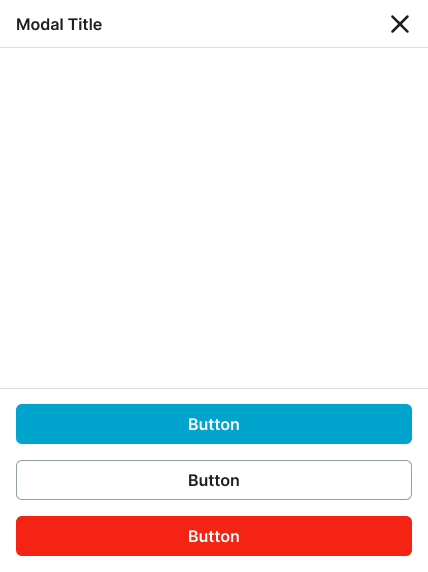
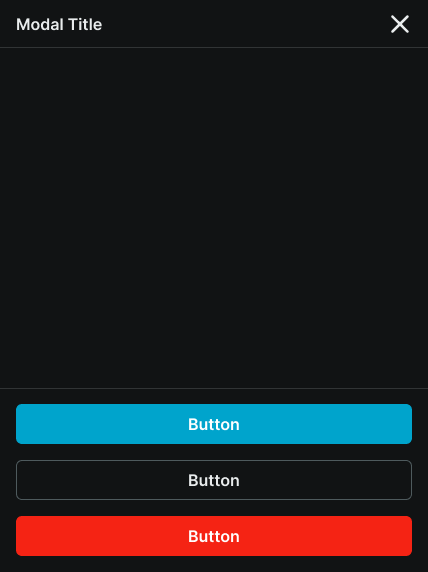
modal
Dialog components that overlay the main content, focusing user attention on critical information or tasks that require interaction before returning to the main interface.
Different configurations and states available for modal components to accommodate various content presentation requirements, screen sizes, and interactive scenarios. These variants provide flexibility in appearance, content structure, and display behavior while maintaining design consistency across different devices and modal use cases.
Modal Window
Modal dialog elements that display focused content, detailed information, and interactive workflows requiring user attention within structured interface layouts. These components serve as the primary content presentation windows that house headers, content areas, and footers, organizing interface elements and interactive functionality while maintaining consistent layout patterns and content hierarchy across different modal scenarios.
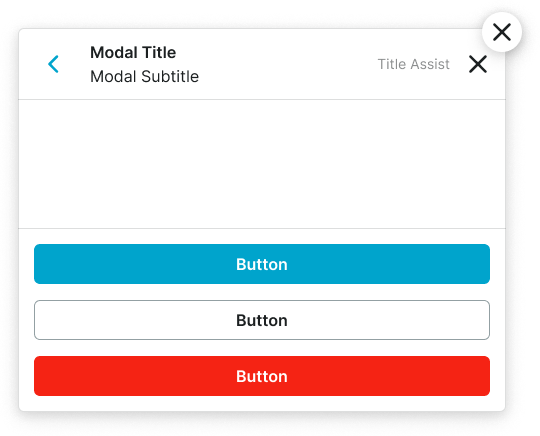
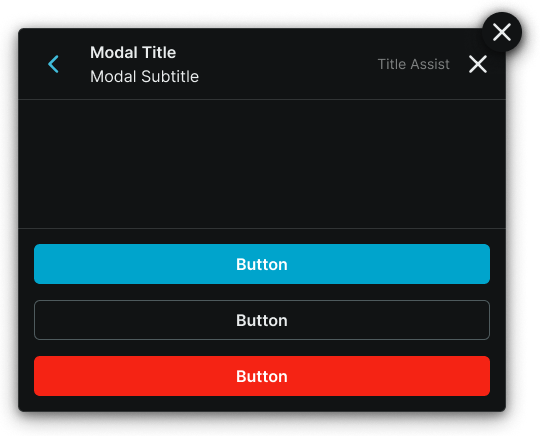
Size Variants
Layout configurations that control the modal window dimensions and content presentation to optimize usability across different screen sizes and device capabilities. These variants determine the spatial organization and content hierarchy characteristics for various display contexts.
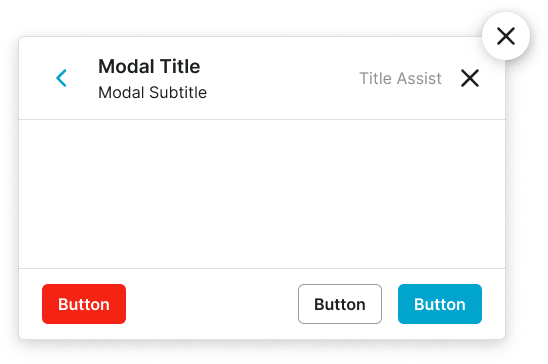
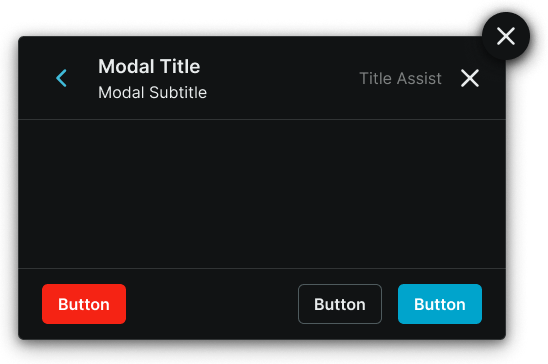
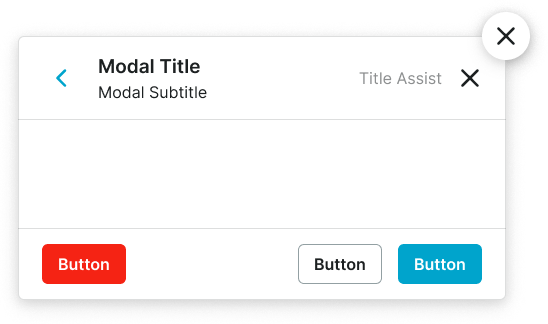
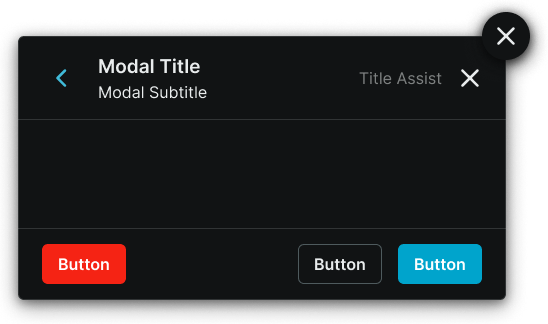
Display Variants
Presentation configurations that determine the modal window's display approach and spatial relationship with the underlying interface. These variants control how the modal window appears and interacts with the main application content.
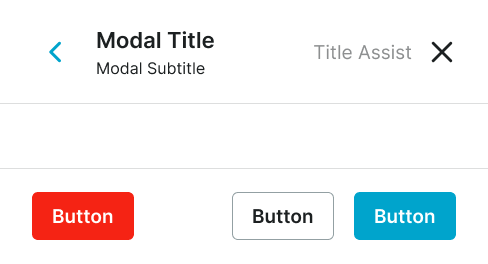
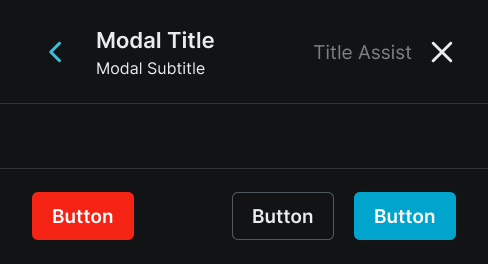
Modal Screen
Fullscreen overlay elements that provide the foundational backdrop and positioning framework for modal presentations with dimmed backgrounds and screen coverage controls. These components serve as the containing environment that manages modal window placement, backdrop behavior, and screen interaction, adapting their size and display characteristics based on screen capabilities and modal complexity to ensure optimal presentation and user focus across all device contexts.
Size Variants
Layout configurations that control the modal screen dimensions and content organization to optimize presentation across different screen sizes, device orientations, and content complexity levels. These variants determine the content hierarchy and spatial relationships for comprehensive modal scenarios.
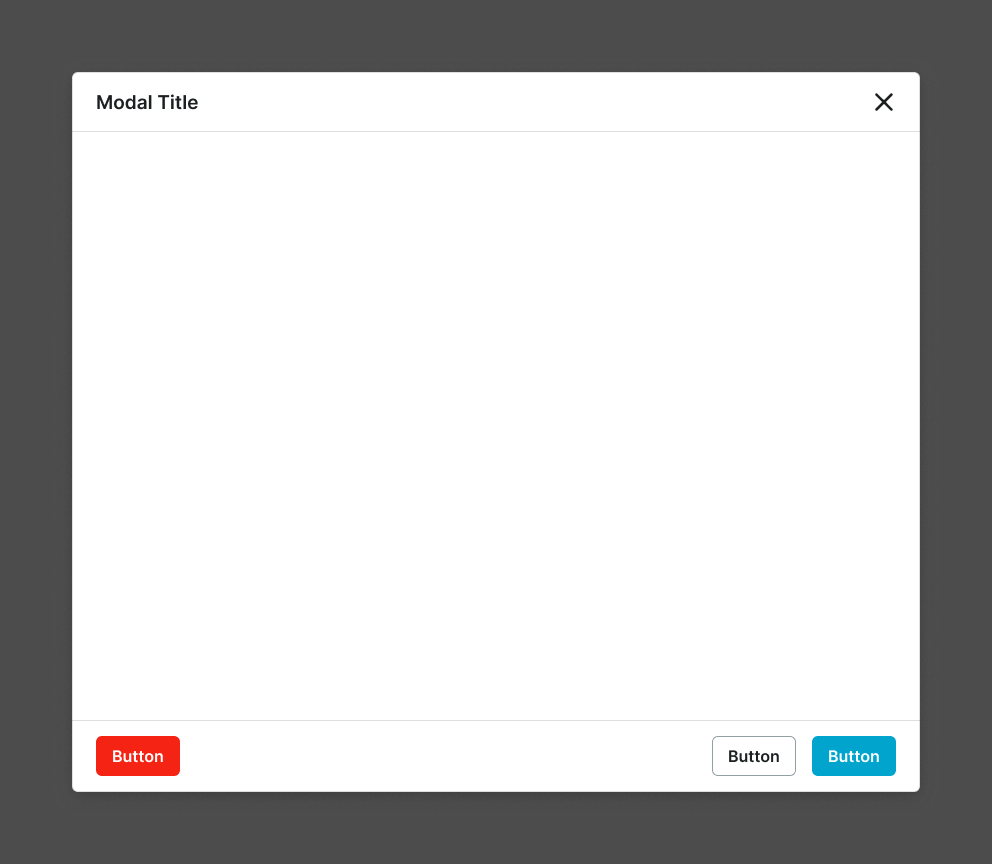
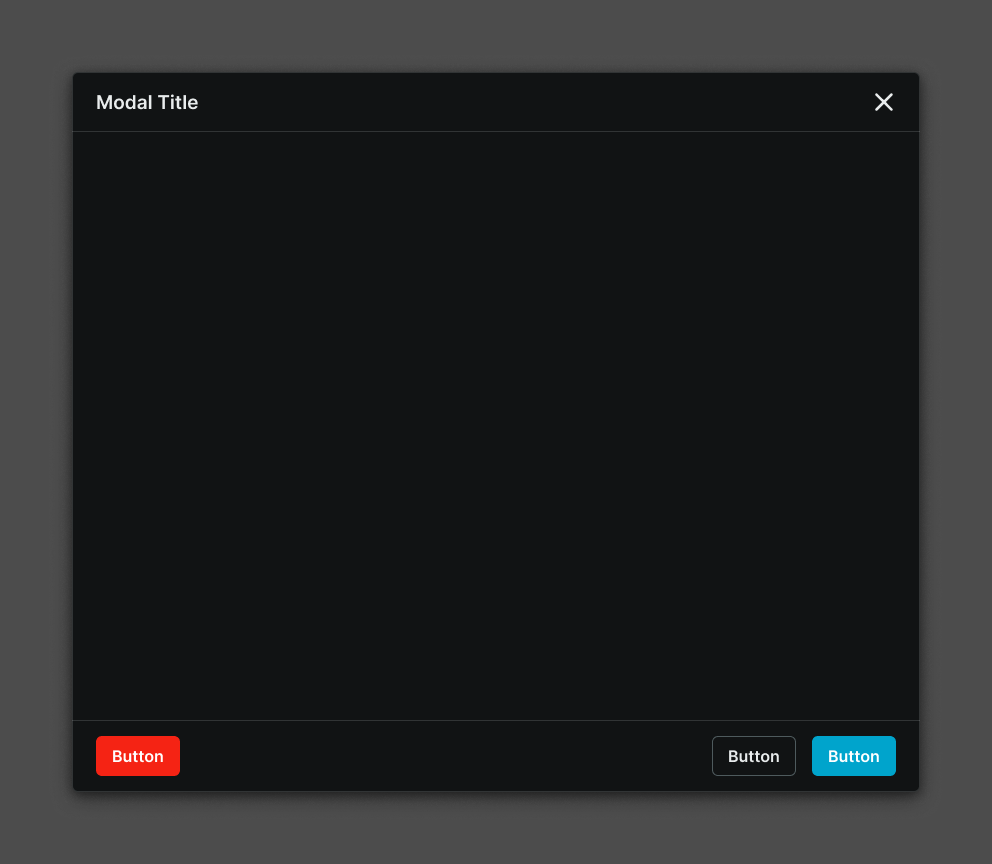
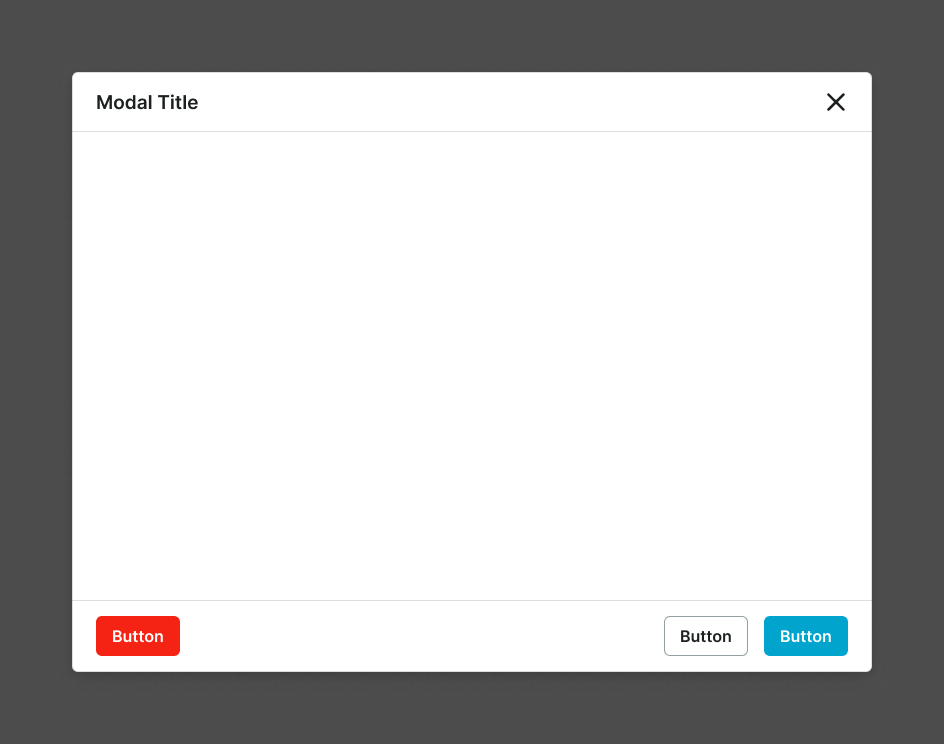
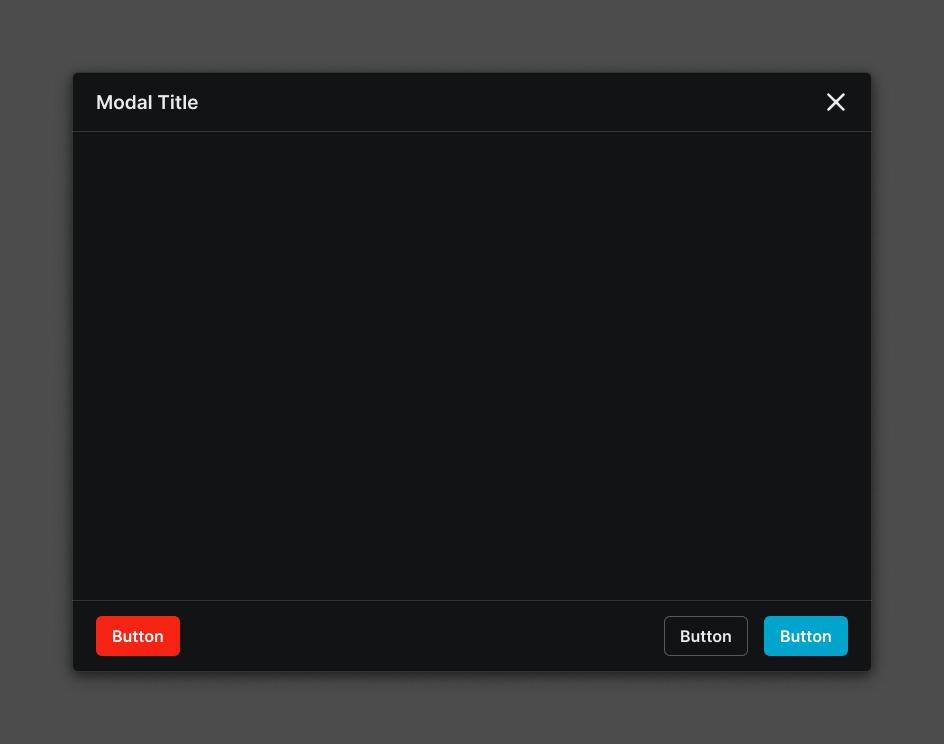
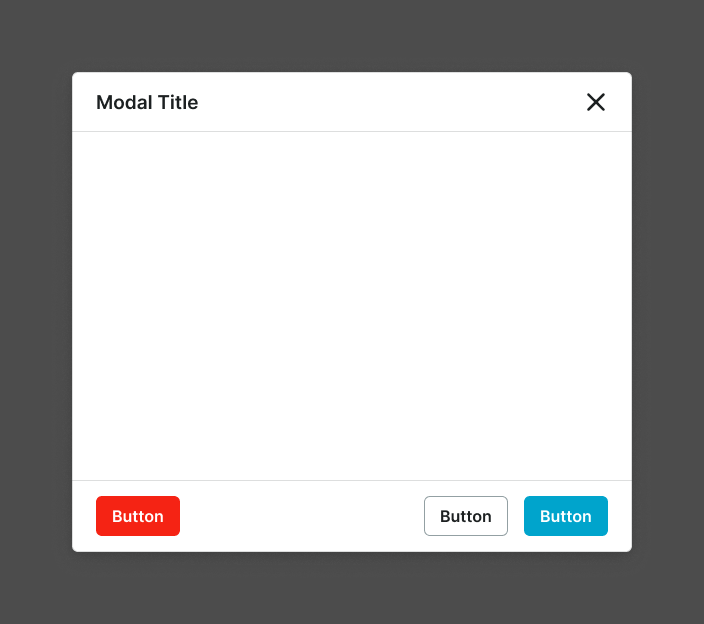
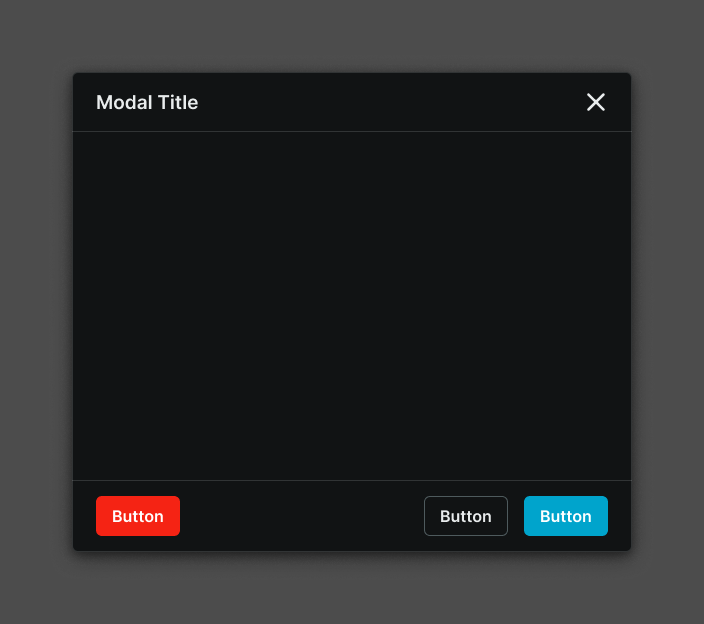
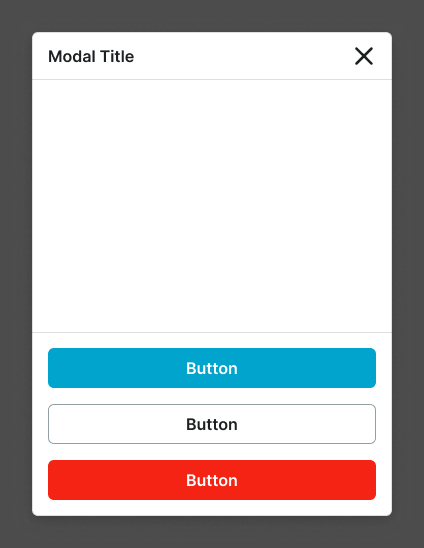
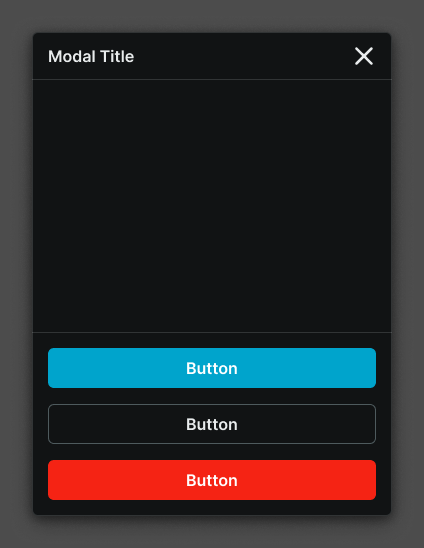
Small
Compact modal screen layout optimized for mobile devices with focused content presentation and streamlined interaction patterns. Use for essential workflows, simplified content, mobile-optimized forms, or when screen constraints require efficient content organization while maintaining clear functionality.
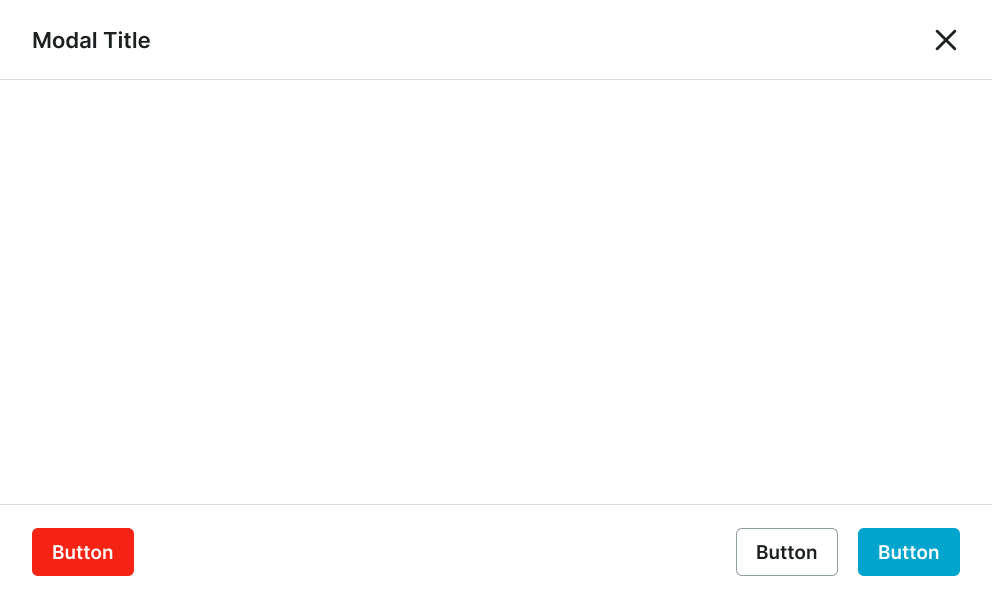
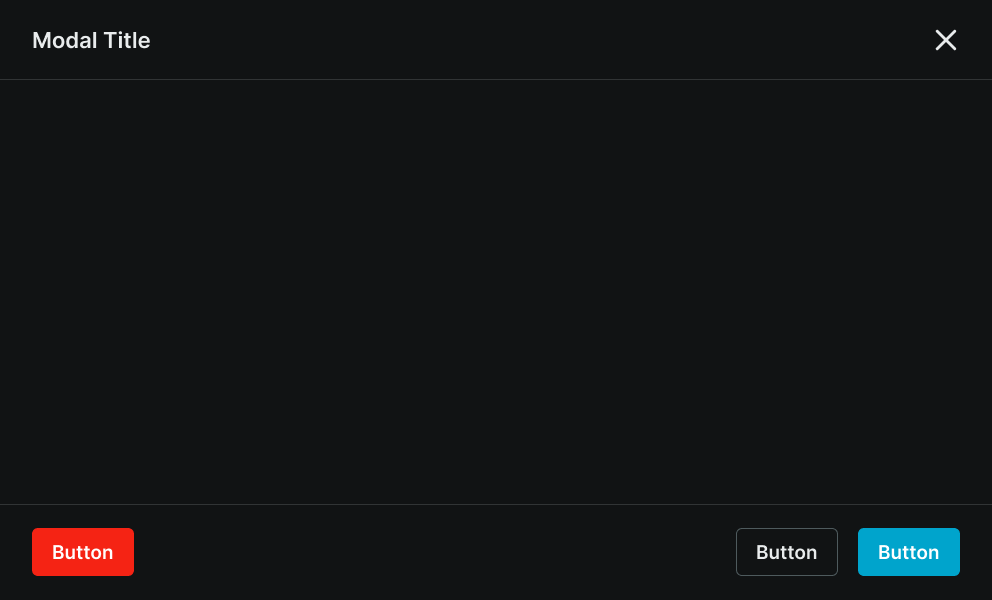
Fullscreen Large
Maximum screen coverage layout optimized for large displays with immersive content experiences. Use for comprehensive applications, detailed content creation, complex data visualization, or when content requires complete screen utilization without interface distractions on large displays.