mobile-alert
Mobile-optimized notification components designed specifically for smaller screens, displaying important messages and alerts on mobile devices.
Different configurations and states available for mobile alert components to accommodate various messaging requirements, action layouts, and mobile-specific communication needs. These variants provide flexibility in appearance, content structure, and action organization while maintaining design consistency across mobile alert scenarios and device contexts.
Mobile Alert Dialog
Modal dialog elements that display critical information, confirmations, and system alerts requiring immediate user attention within mobile interfaces. These components serve as interrupting communication interfaces specifically optimized for mobile devices, adapting their action layout and content organization based on message complexity and user interaction requirements to ensure clear visibility and effective response patterns.
Layout Variants
Action arrangement configurations that determine the spatial organization and interaction patterns within alert dialogs. These variants control how interactive elements are positioned and structured to optimize mobile usability and touch interaction patterns.
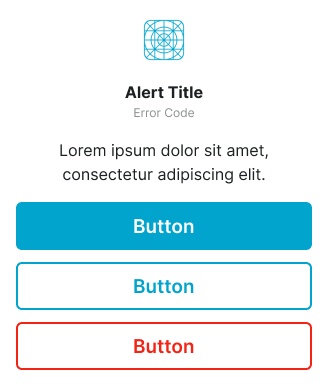
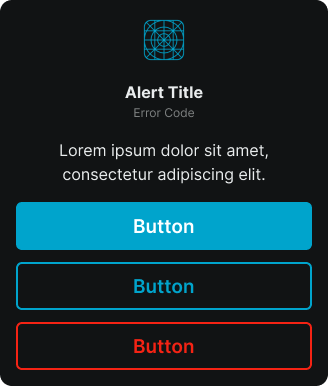
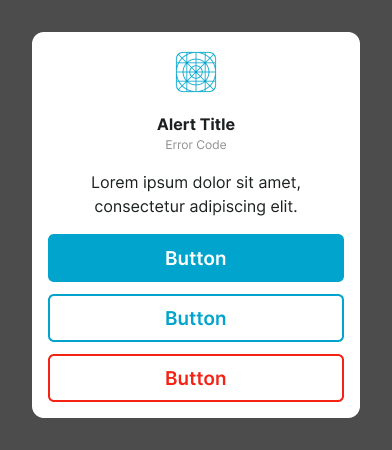
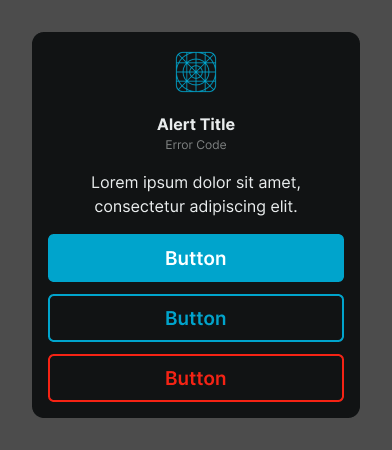
Stacked Actions
Vertical action arrangement optimized for mobile interfaces with multiple action options requiring clear hierarchy. Use for complex alert scenarios, multiple action choices, detailed confirmations, or when providing comprehensive action alternatives that benefit from vertical organization and enhanced touch target accessibility.
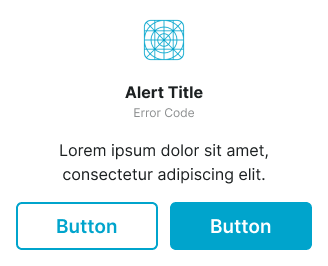
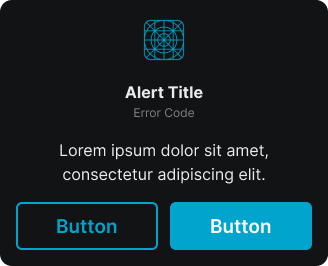
Inline Actions
Side-by-side action arrangement optimized for mobile interfaces with paired action options and balanced decision-making. Use for binary choices, simple confirmations, accept/cancel workflows, or when providing equally weighted action alternatives that fit efficiently within mobile screen constraints.
Mobile Alert Screen
Full-screen overlay elements that display comprehensive alert information and system states requiring complete user focus within mobile applications. These components serve as application-wide communication interfaces specifically designed for mobile environments, replacing the entire mobile interface temporarily to ensure optimal presentation and user engagement without desktop distractions.
Display Variants
Presentation configurations that determine the alert overlay's content organization and display approach for mobile-specific alert scenarios. These variants control how comprehensive alert information is structured and presented within mobile screen constraints.
Standard
Standard mobile alert overlay presentation with optimized content organization for mobile devices and streamlined interaction patterns. Use for essential system alerts, mobile-specific error states, focused communication scenarios, or when mobile screen constraints require efficient content organization while maintaining clear messaging and user guidance.